Updating Billing and Invoice Information
After subscribing to any plan, you can manage your billing information and invoices through the Paddle customer portal.
Visit https://dashboard.caido.io, authenticate with your account, and visit the Billing page.
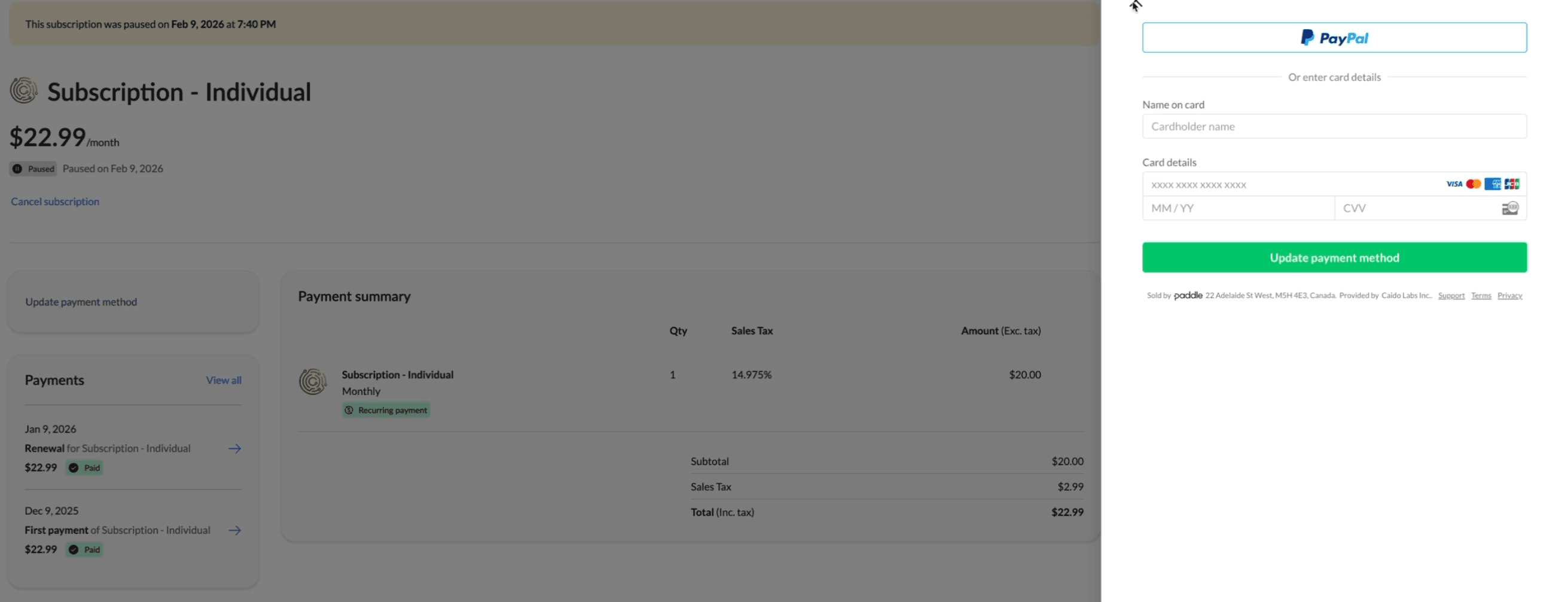
Updating Billing Information
Click the Update billing information button to open the Paddle customer portal. Update your billing details in the panel that appears and save your changes.
Viewing and Updating Invoices
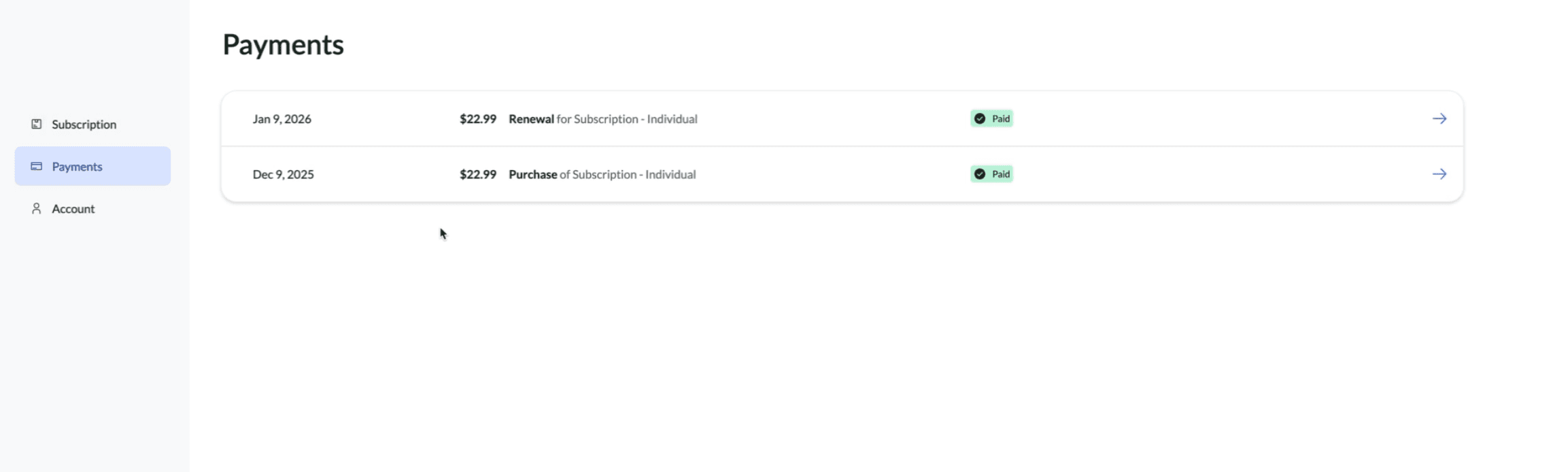
In the Paddle customer portal, close the billing information panel to access the portal overview. Navigate to the Payments section to view your payment history, then select the invoice you want to view or update.
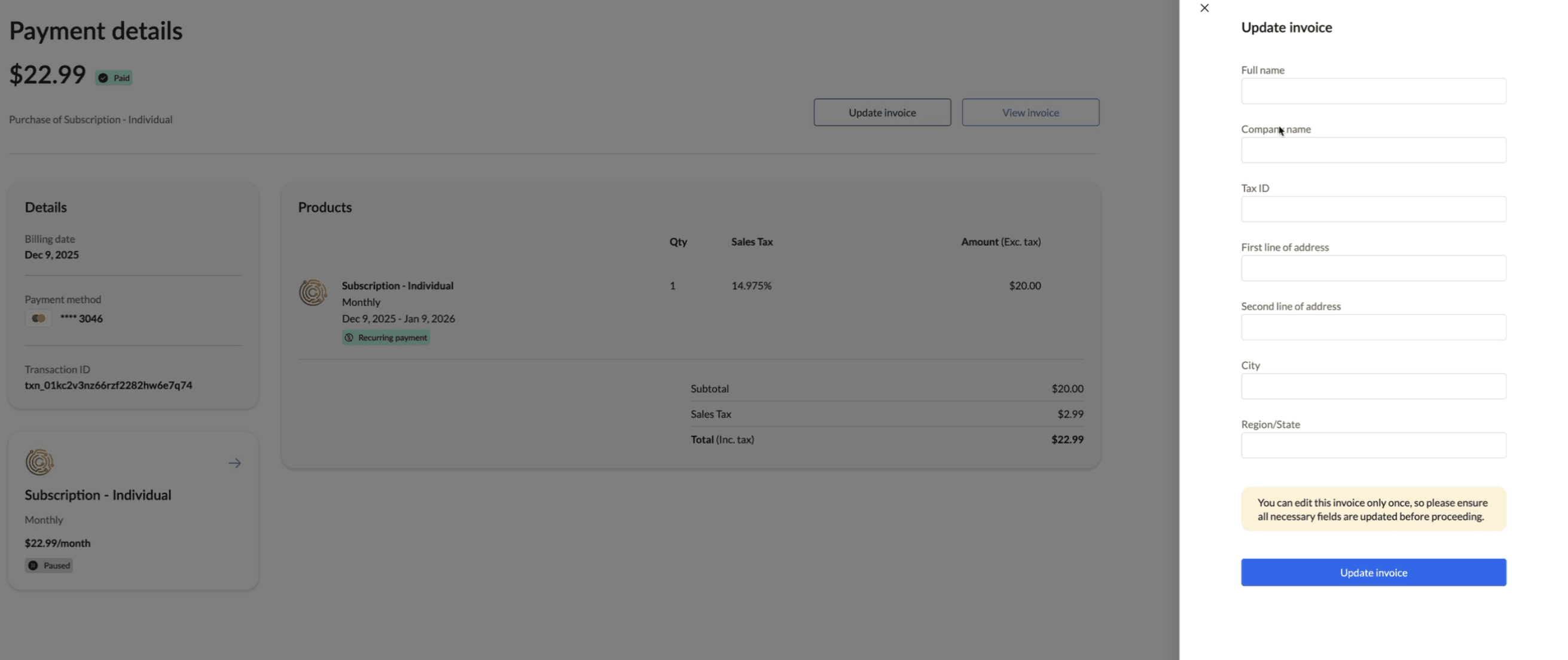
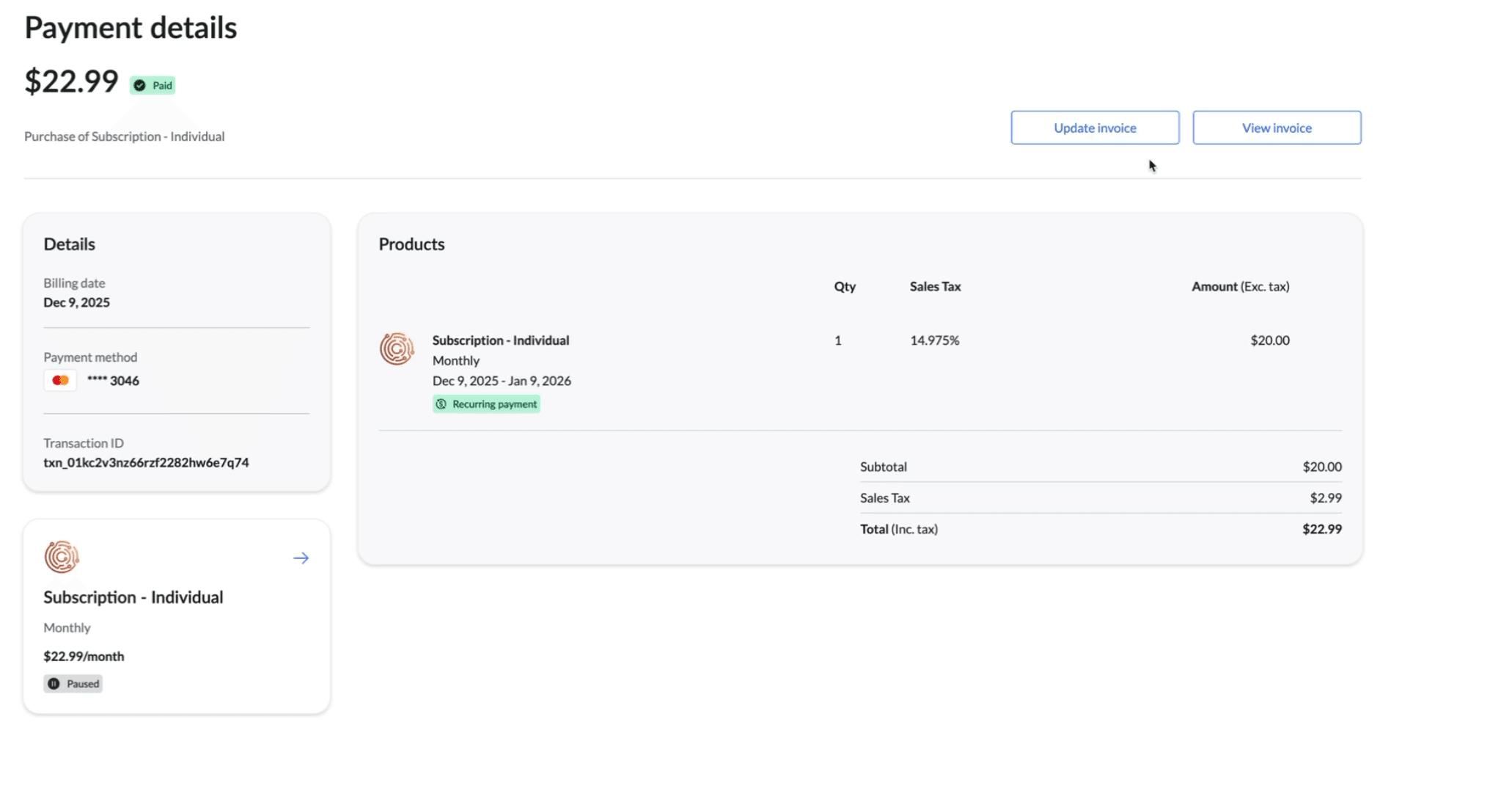
On the selected invoice, click Update Invoice to open a panel where you can update your invoice information.
Update the relevant details and save your changes.