
DNS Rewrites
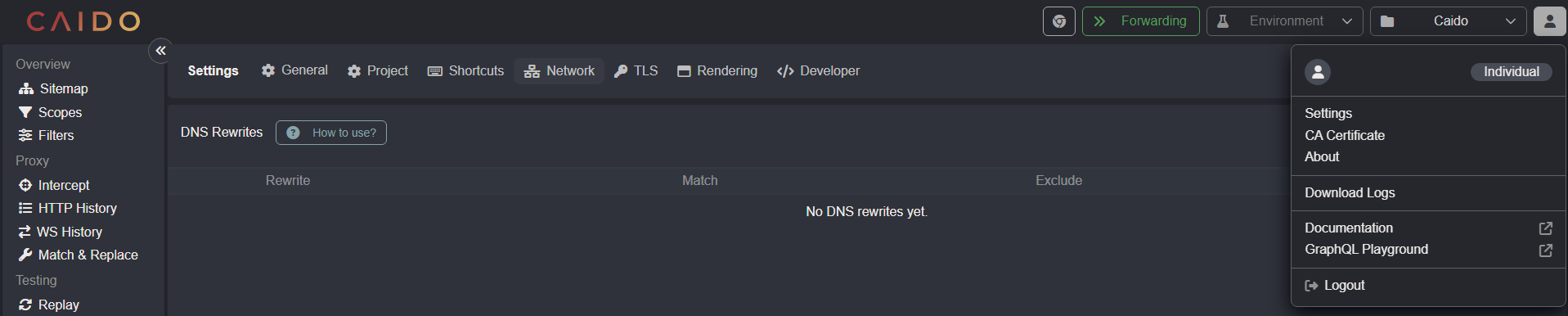
To control the domain to IP address resolutions for specified hosts, click on the account button in the top-right corner of the Caido user-interface, select Settings, and open the Network tab.
Upstream Servers
To resolve DNS queries using an alternative upstream DNS server, instead of your local or ISP's DNS server, either:
- Select Google's or Cloudflare's public recursive DNS servers from the drop-down menu.
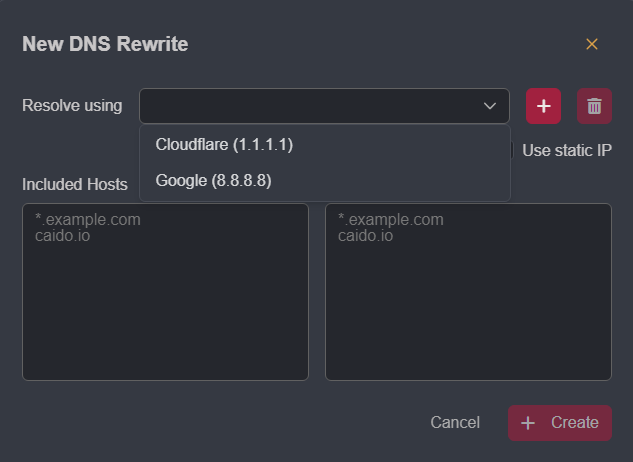
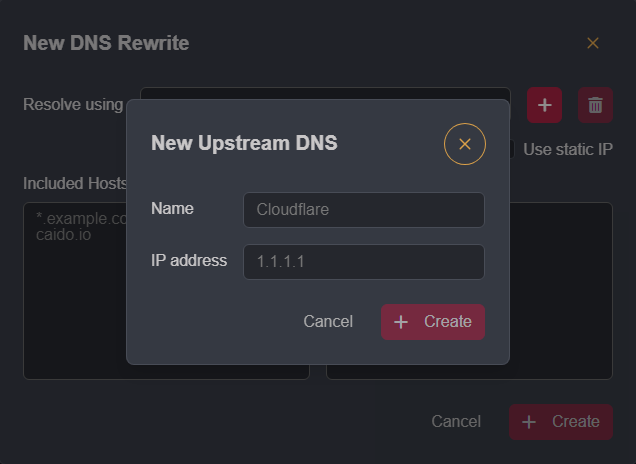
- Or the DNS server can be explicitly defined by clicking on the
+button, providing the server's IP address along with an arbitrary name, and clicking+ Create. This will add the server as an option in the drop-down menu.
Static IP
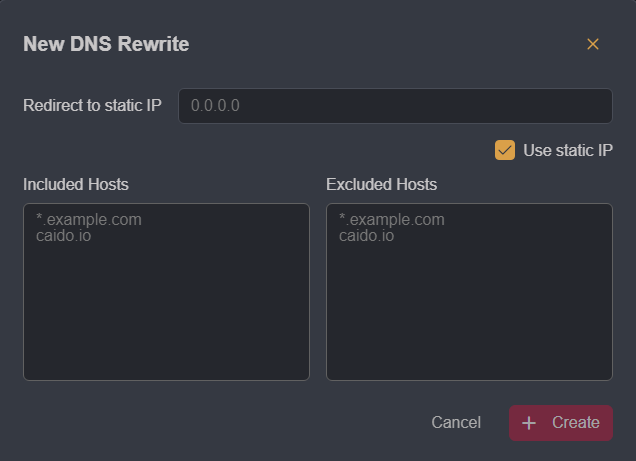
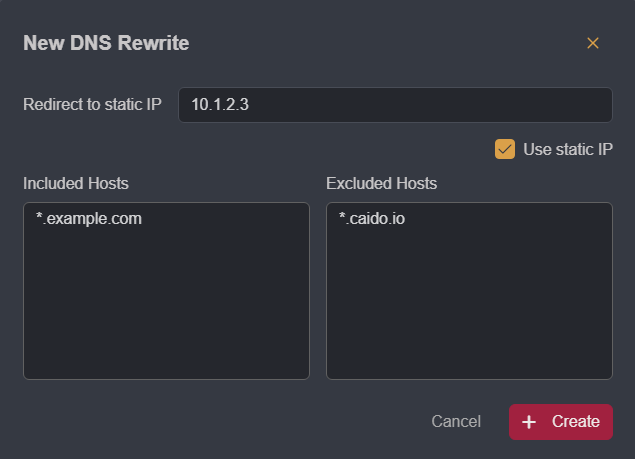
To resolve a domain names to a specific IP address, click on the Use static IP checkbox and type in the IP address in the Redirect to static IP input field.
Hosts
To define which hosts your custom DNS configurations do/do not apply to, add them to the Included Hosts and Excluded Hosts lists.
TIP
Glob syntax (*) is supported to account for varying subdomains and top-level domains/extended top-level domains.
INFO
If multiple rewrites are defined, traffic is directed to the first matching rule. Click, hold, and drag a rule to change its order position.